
Comment installer l'IPTV sur Fire TV Stick
1 : Depuis l'écran d'accueil de votre appareil, placez votre curseur sur l'option "Trouver" (ou l'icône de recherche).
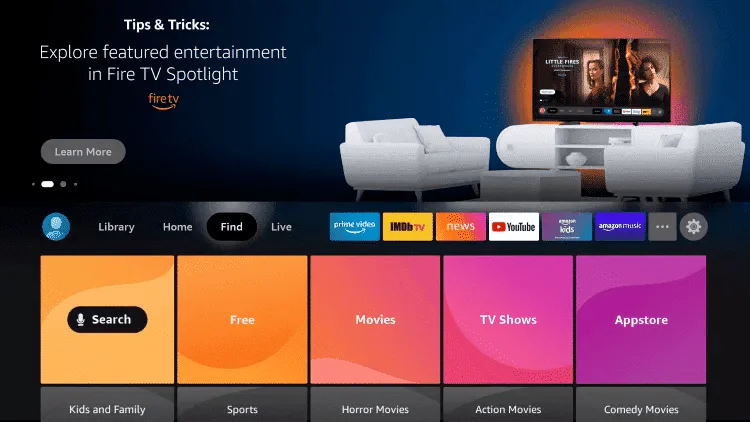
2. Cliquez sur Rechercher.
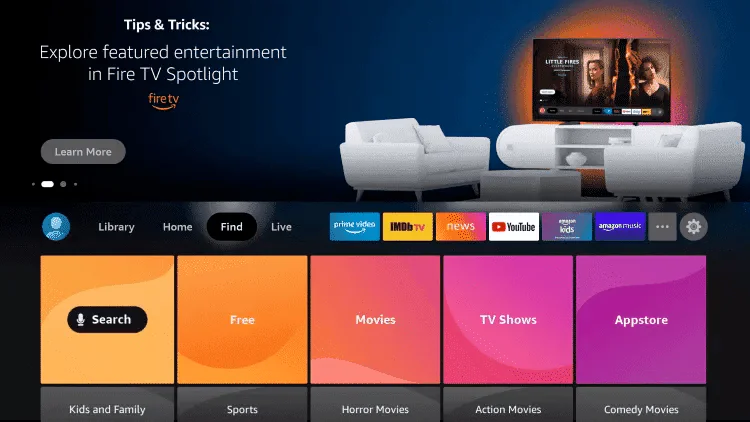
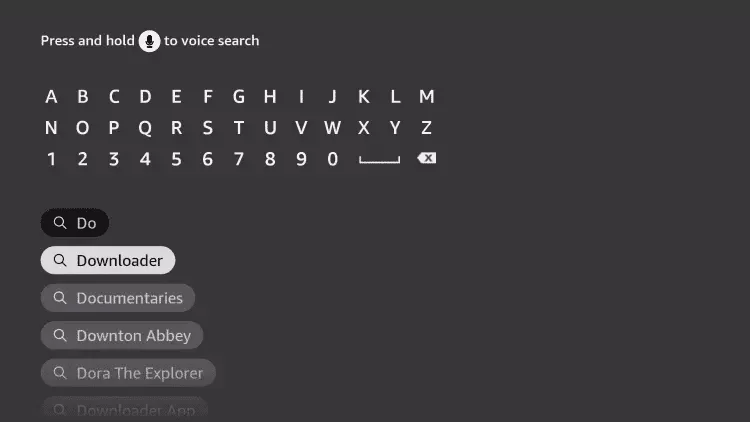
3. Recherchez et sélectionnez Downloader.
4. Choisissez l'application Downloader.
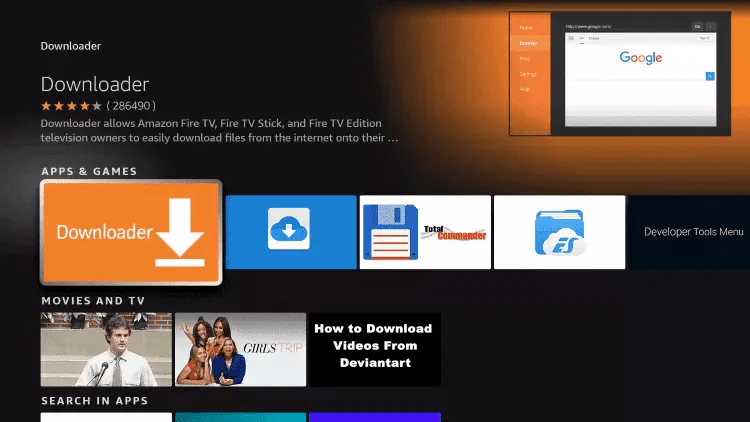
5. Click Download.
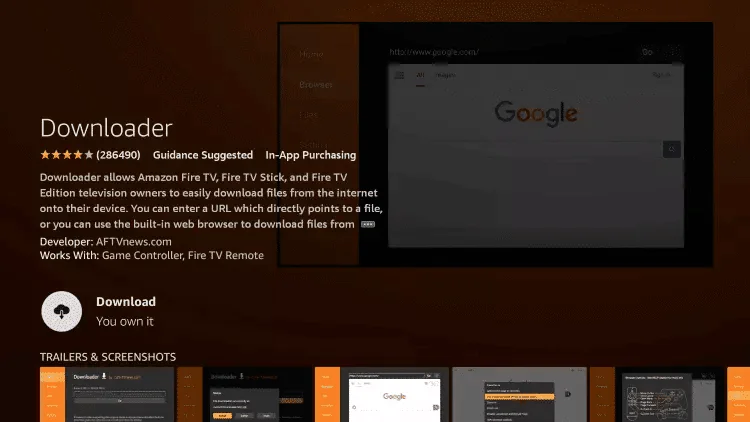
6. Une fois l'installation terminée, cliquez sur Ouvrir.
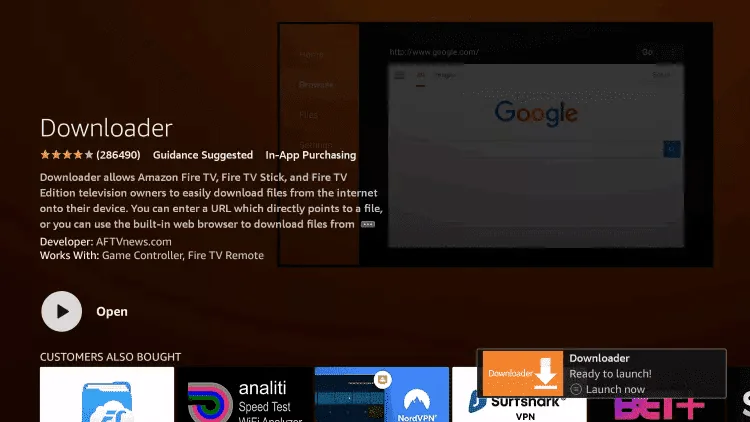
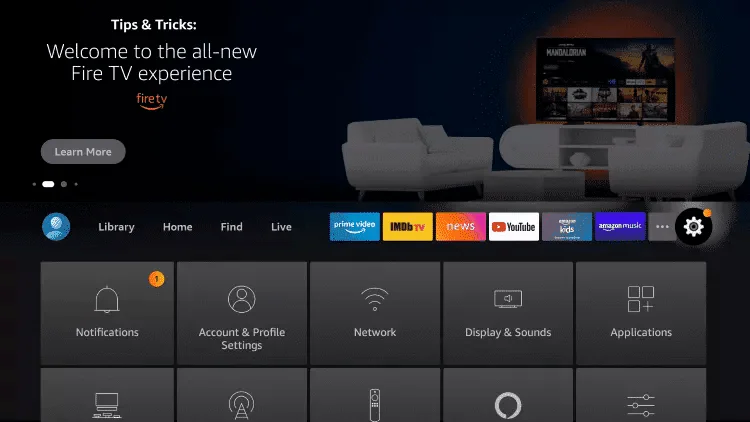
7. Revenez à l'écran d'accueil et ouvrez les Paramètres.
8. Cliquez sur Ma Fire TV.
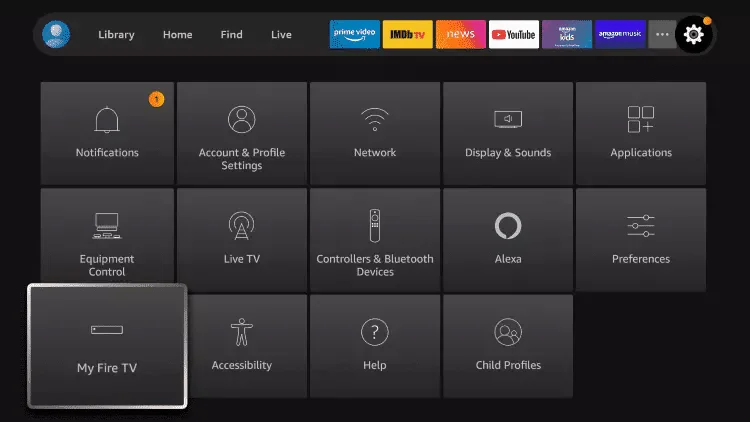
9. Choisissez Options pour les développeurs.
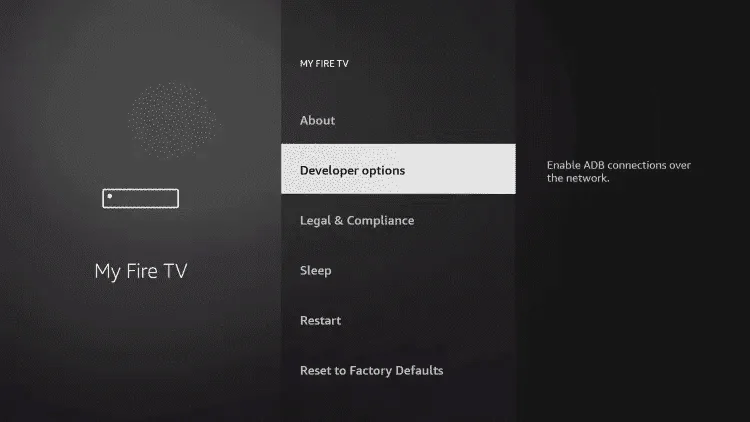
10. Cliquez sur Installer des applications inconnues.
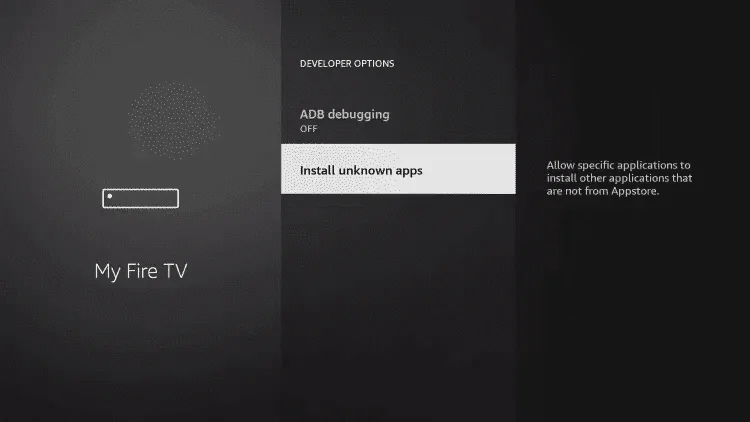
11. Recherchez l'application Downloader et cliquez dessus.
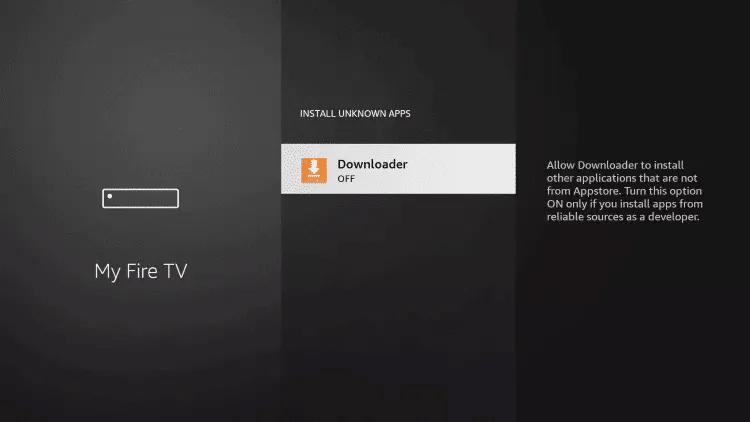
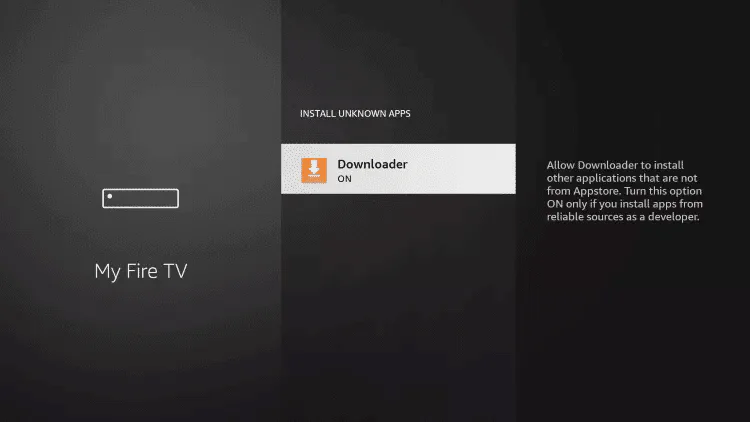
12. Cela activera les "Sources inconnues" pour l'application Downloader. Cela permettra l'installation d'applications tierces (side-loading) sur votre appareil.
13. Lancez Downloader.
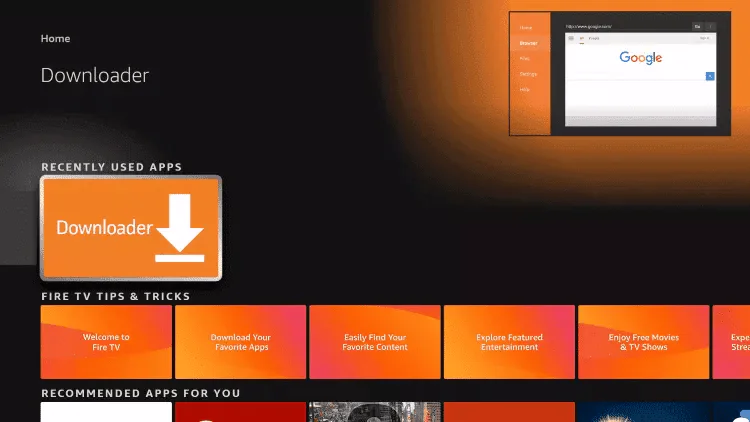
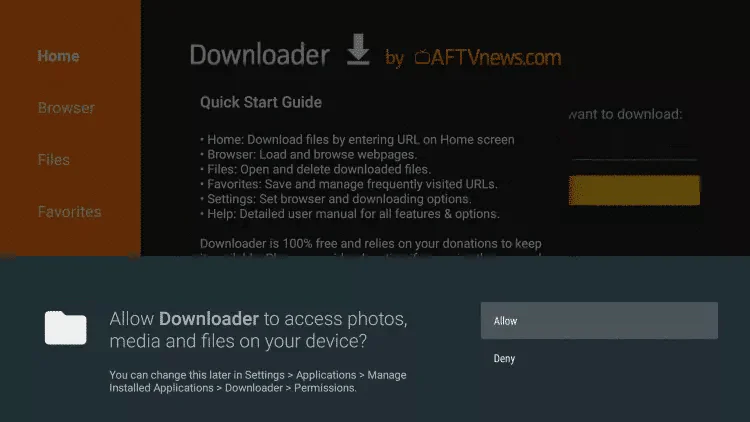
14. Click Allow.
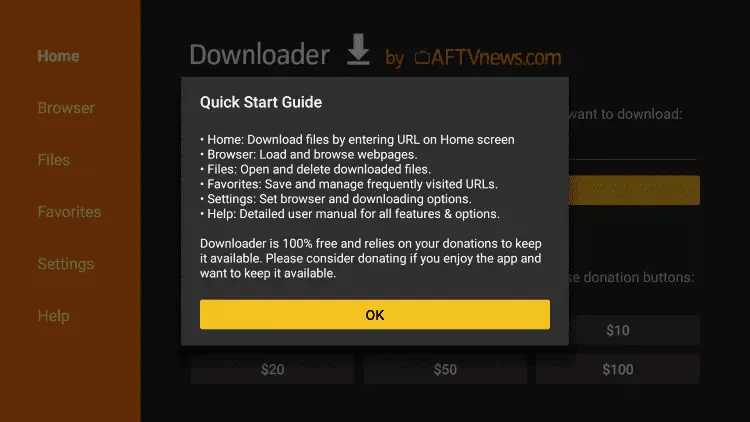
15. Click OK.
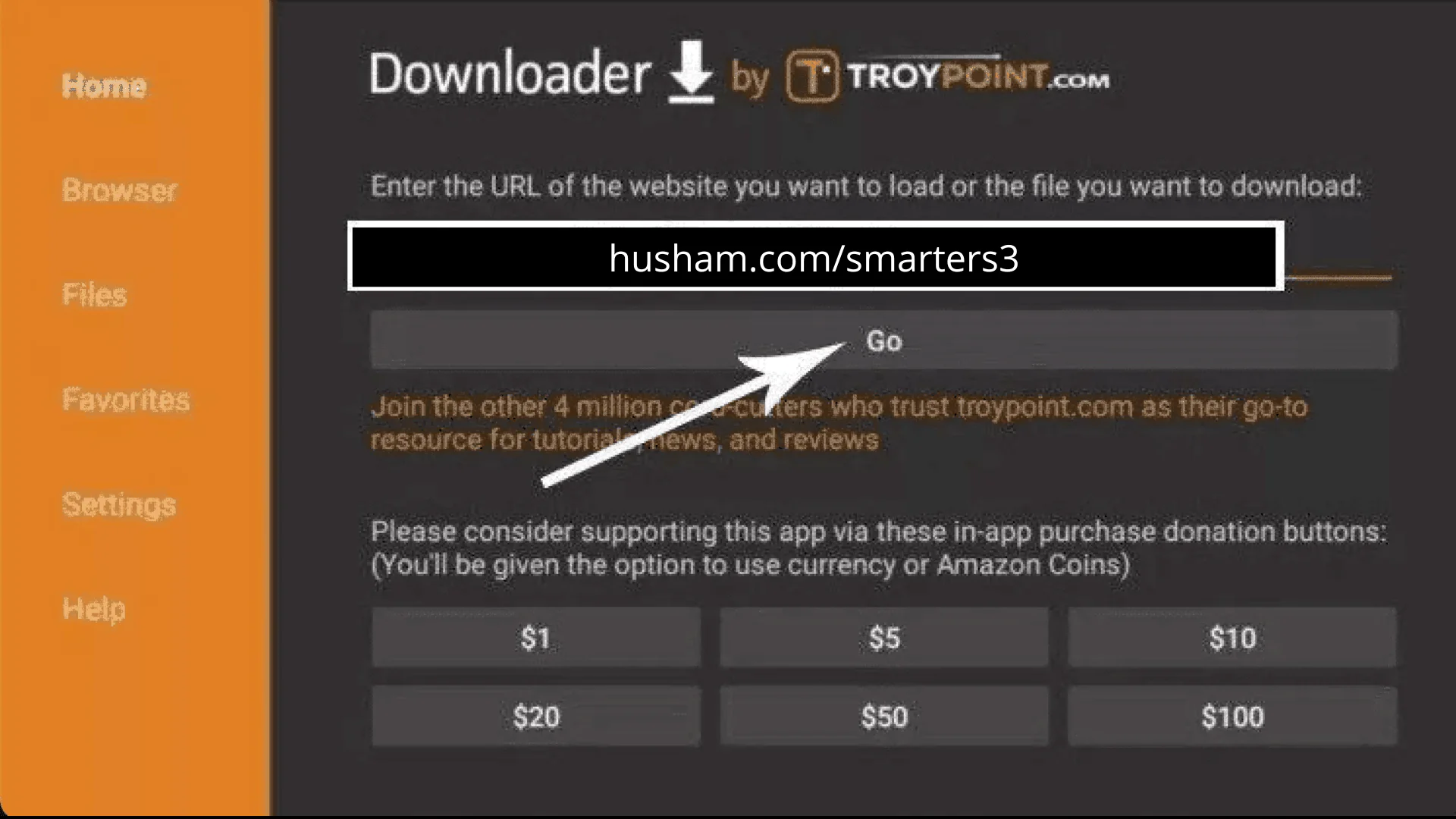
16. Type the following URL exactly as shown here: https://www.iptvsmarters.com/smarters.apk
and click Go.
17. Wait for file to download.
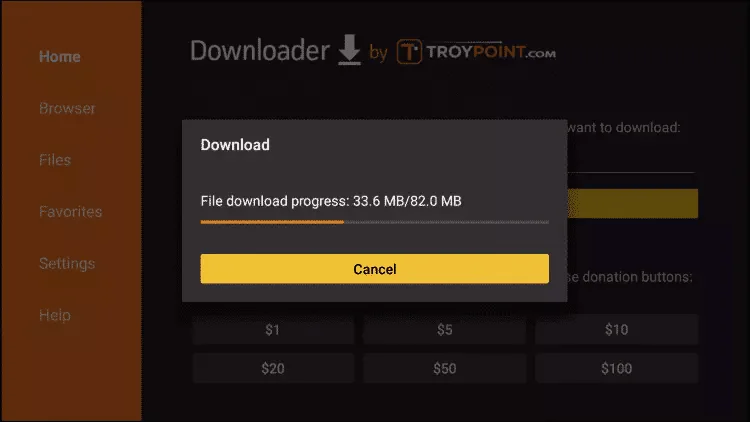
18. Click Install.
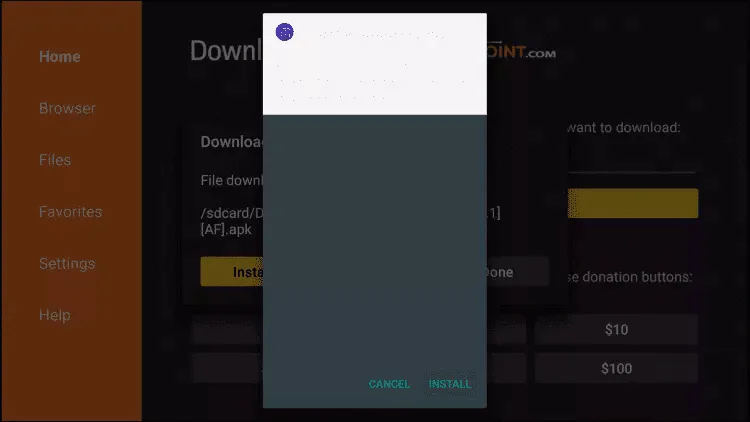
19. Click Done.
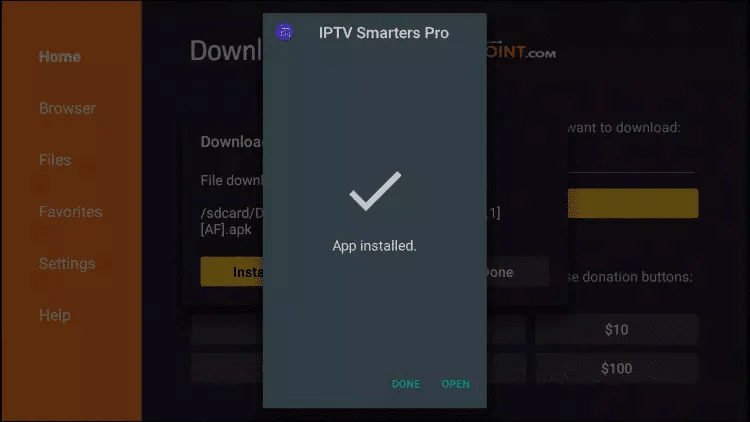
20. Open IPTV smarters then select Login with Xtream codes api.
21. Enter the login details that we sent you via Whatsapp or Email or Chat
FOR TIVIMATE
1. Type the following URL exactly as shown here: https://tivimates.com/tiviapk
and click Go.
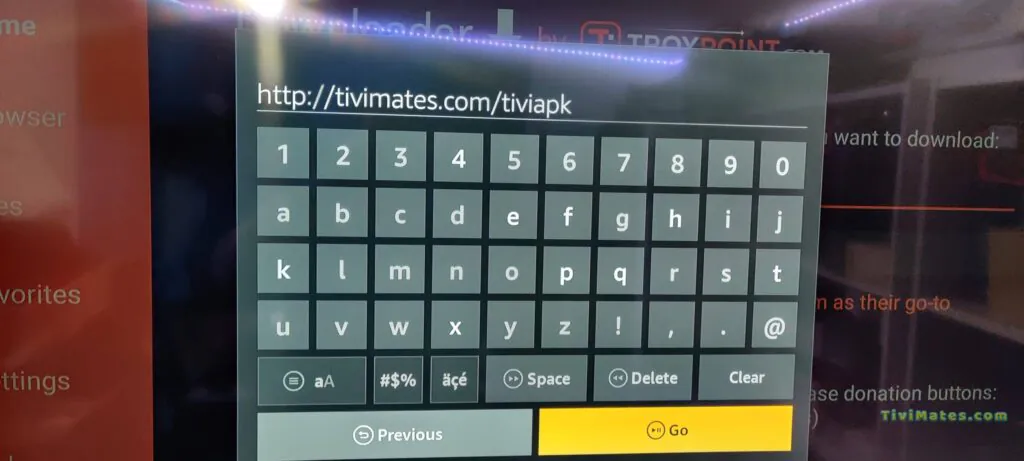
2. Wait for file to download.
Attendez la fin du téléchargement du fichier.
3 Cliquez sur Installer et, une fois l'installation terminée, vous pouvez ouvrir l'application.
4Cliquez sur "Ajouter une playlist" puis choisissez "Xtream Codes".
5 Entrez les identifiants de connexion que nous vous avons envoyés par WhatsApp, e-mail ou via le chat.
IPTV ON ANDROID WITH IPTV SMARTERS
Step 1: Start by downloading IPTV Smarters app through this URL : https://www.iptvsmarters.com/smarters.apk
Step 2: Open the app once downloaded and Enter the login details.
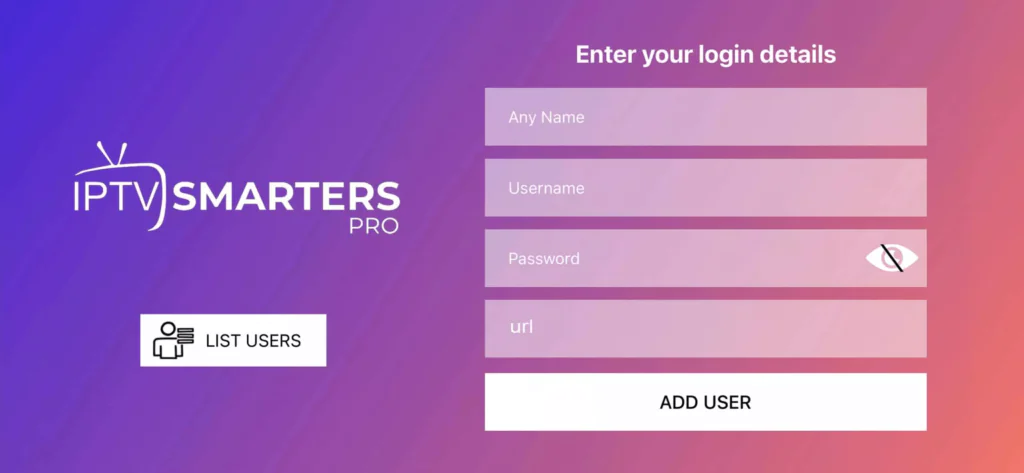
Step 3: Enter the login details that we have provided you after you get a subscription with us
Now Click on “ADD USER” to proceed to the next section.
Step 4: Wait some seconds.
Step 5: Now click on “Live TV” icon as depicted in the image via a red arrow.
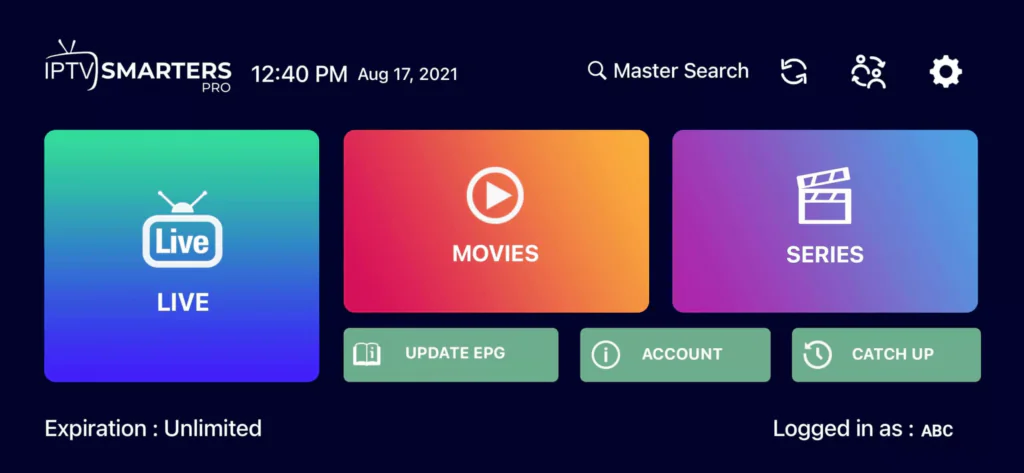
Step 6: Now you must select the channel group that you want to watch and proceed to the next section.
Step 7: Now you must click on the channel name and then double click on the small screen to turn into full screen as the final step.
Done
How To Setup IPTV On Apple/IOS With IPTV Smarters Player
Step 1: Start by downloading IPTV Smarters app from the Apple Store through this URL :
https://apps.apple.com/in/app/smarters-player-lite/id1628995509
or you can search for it on App store
install the app on your IOS device.
Step 2: Open the app once downloaded and Enter the login details.
Step 3: Enter the login details that we have provided you after you get a subscription with us
Now Click on “ADD USER” to proceed to the next section.
Step 4: Wait some seconds.
Step 5: Now click on “Live TV” icon as depicted in the image via a red arrow.
Step 6: Now you must select the channel group that you want to watch and proceed to the next section.
Step 7: Now you must click on the channel name and then double click on the small screen to turn into full screen as the final step.
Step 8: To add EPG no need to add any EPG url, Just click on “Install EPG” .
Done
Step 1: You can download SetIPTV / NetIPTV / IBO Player Pro / IBO Player from your TV store on Samsung, LG …
Step 2: After the installation, open the app you will find MAC Address on screen, with IBO Player Pro and IBO Player you will find MAC Address and Device Key
EX :
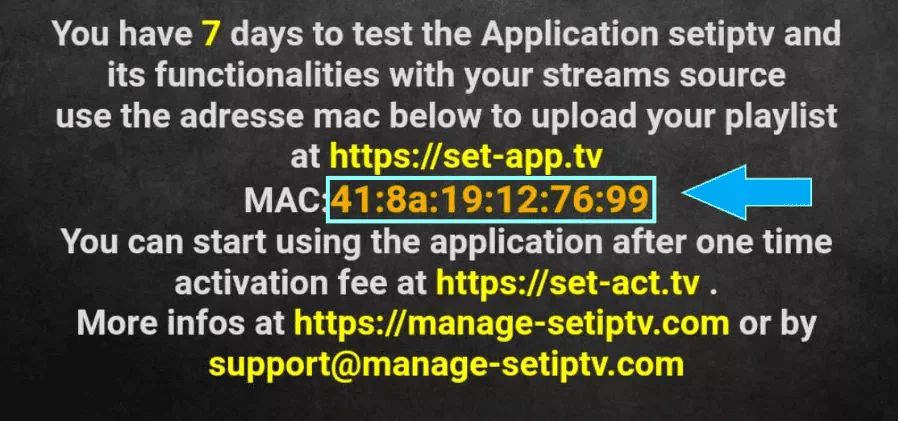
Step 3: Send us the MAC address via Whatsapp/Email/Live Chat
Step 4: After few minutes, restart/reboot your TV and Open the app
Done
Windows Method :
Download IPTV Smarters app through this URL : https://www.iptvsmarters.com/download?download=windows
MAC Method :
Download IPTV Smarters app through this URL : https://www.iptvsmarters.com/download?download=mac
Step 1: Send us the MAC Address of your MAG via Whatsapp/Email/Live Chat
Step 2: After making the payment, we will send you the portal link